


About DERO: a 3D desk simulator with real dimensions
What is DERO?
DERO is a desk simulator that lets you plan your desk in 3D before buying products. Catalog products use dimensions in millimeters and grams published by manufacturers and retailers, with 3D models showing their shape and placement.
When you place products, DERO compares their specifications and reports a fit, conditional fit or incompatibility. You can also check the estimated total price and preview lighting colors and brightness. Missing specifications remain “No information” rather than being guessed.
Compatibility criteria
- Monitor and arm
- Matching VESA mounting patterns and monitor weight within the arm’s load limit
- Arm and desk
- Whether the clamp can grip the thicker of the desktop and edge trim
- Accessory and desk
- Whether the accessory fits on the desktop
- Device and arm
- Whether mounting standards match for devices such as microphones
DERO also offers real desk photos in the desk feed, public 3D setups in the collection, community questions and reviews, and DERO Magazine. The name comes from the Korean word “daero”: arranging and decorating things your own way.
DERO is a beta service made and run by Brunches, a team of students from the 15th cohort of SSAFY. Contact us at dero.desk.company@gmail.com.
A SSAFY student team with a love for desk setups
DERO is built by six developers studying together in the 15th cohort of Samsung Software and AI Academy for Youth (SSAFY). We are a student startup team, writing code every day as we prepare to launch our business.
It started with our own love of desk setups. We wanted to try all the things we liked together and imagine our future desks. So we began building a simulator to plan a desk in 3D before buying, with size and compatibility checks along the way.
DERO is still in beta. We use your feedback to make improvements quickly. Follow the patch notes for changes and the notices for news.
Create your desk with 3D products
Explore a desk built to real dimensions in 360 degrees. Drag products onto surfaces and they settle into place, so you can build your own combination without adjusting every axis.
Real dimensions, down to every joint
Explore the arm’s real movement from clamp to head. Bring a monitor close and DERO checks its VESA pattern, attaching it when the specifications match.
DERO helps you build your desk setup.

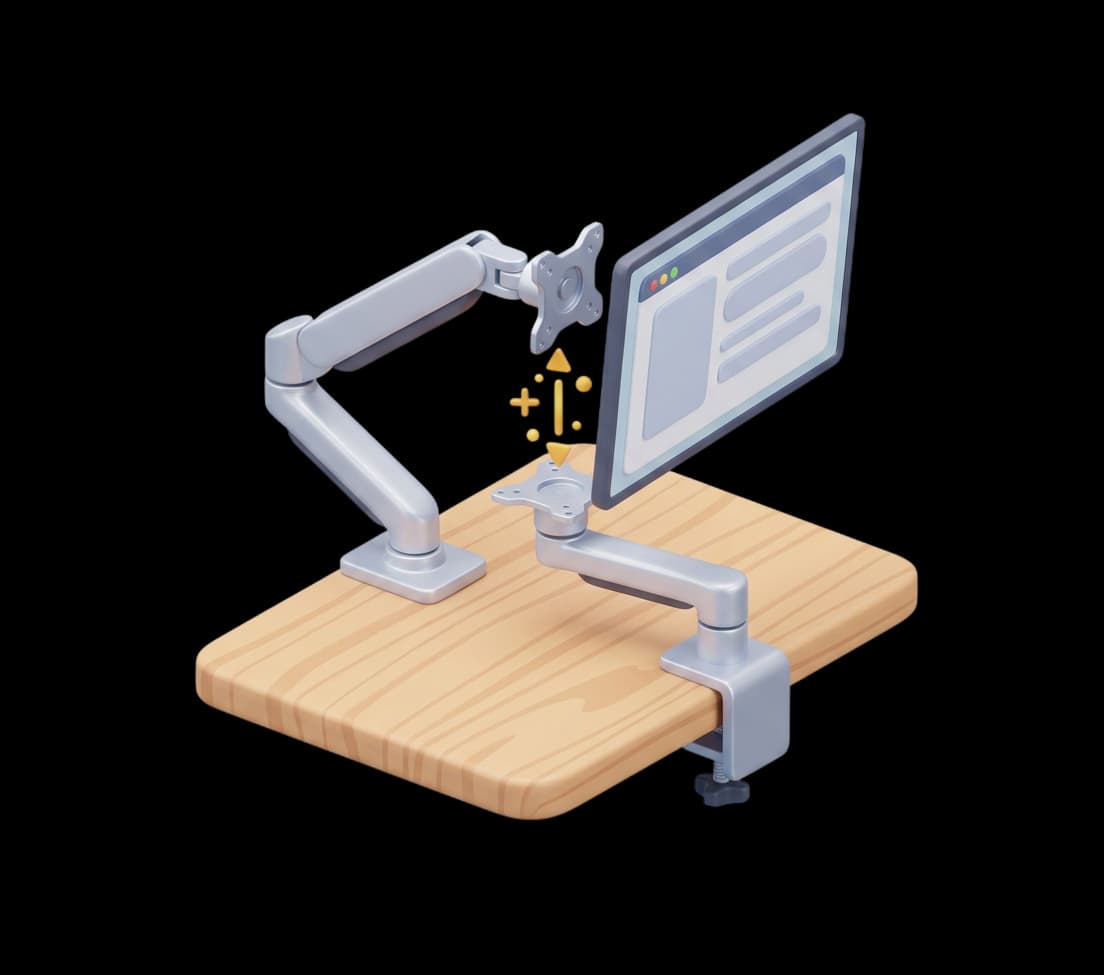
Compatibility checks based on specifications
Check arm clamps, desktop fit, monitor VESA and load limits using real specifications.
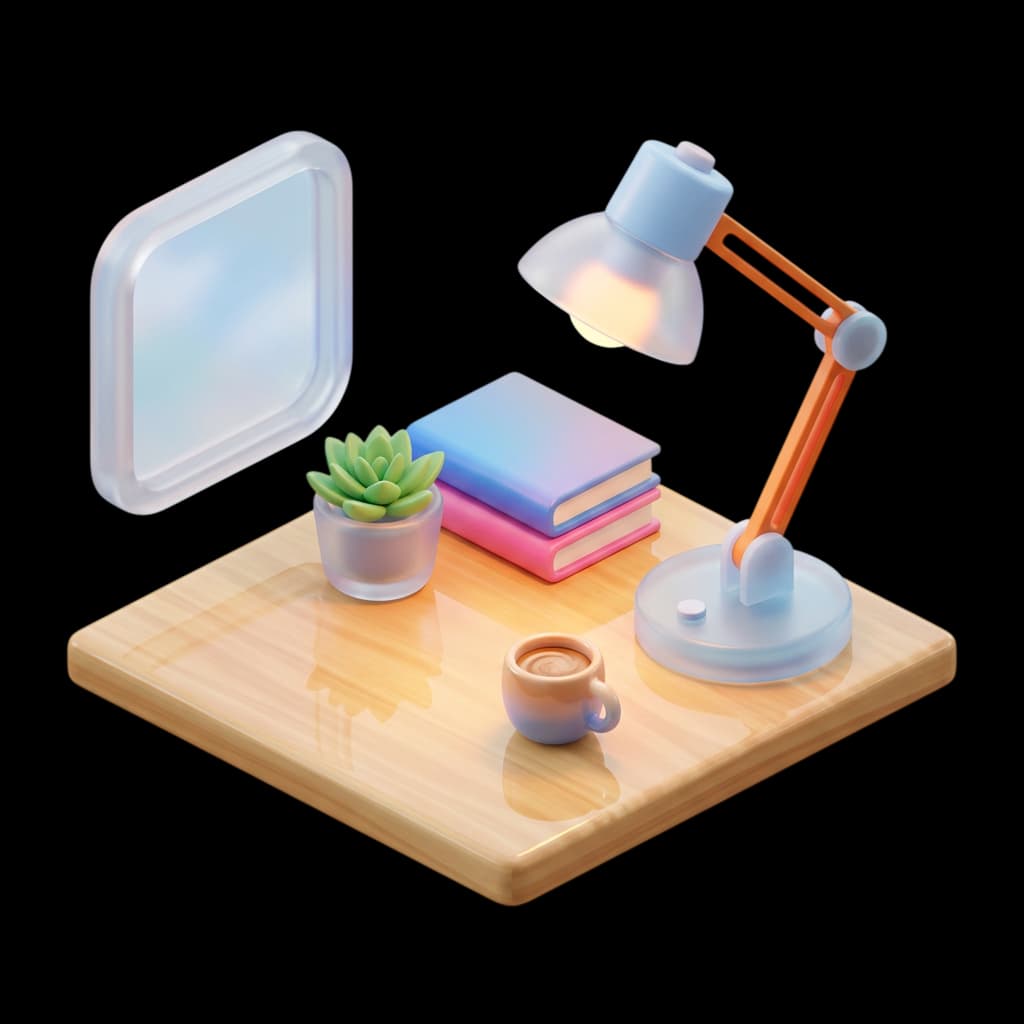
Preview the mood with light placement
See how light placement changes your desk’s atmosphere, including surface reflections, before deciding what to buy.

Preview the total cost of your saved setup
Save a 3D setup to see the total product cost and the difference from your budget.

Share your finished 3D setup
Share your finished desk with the community, and leave comments and likes on other people’s 3D setups.
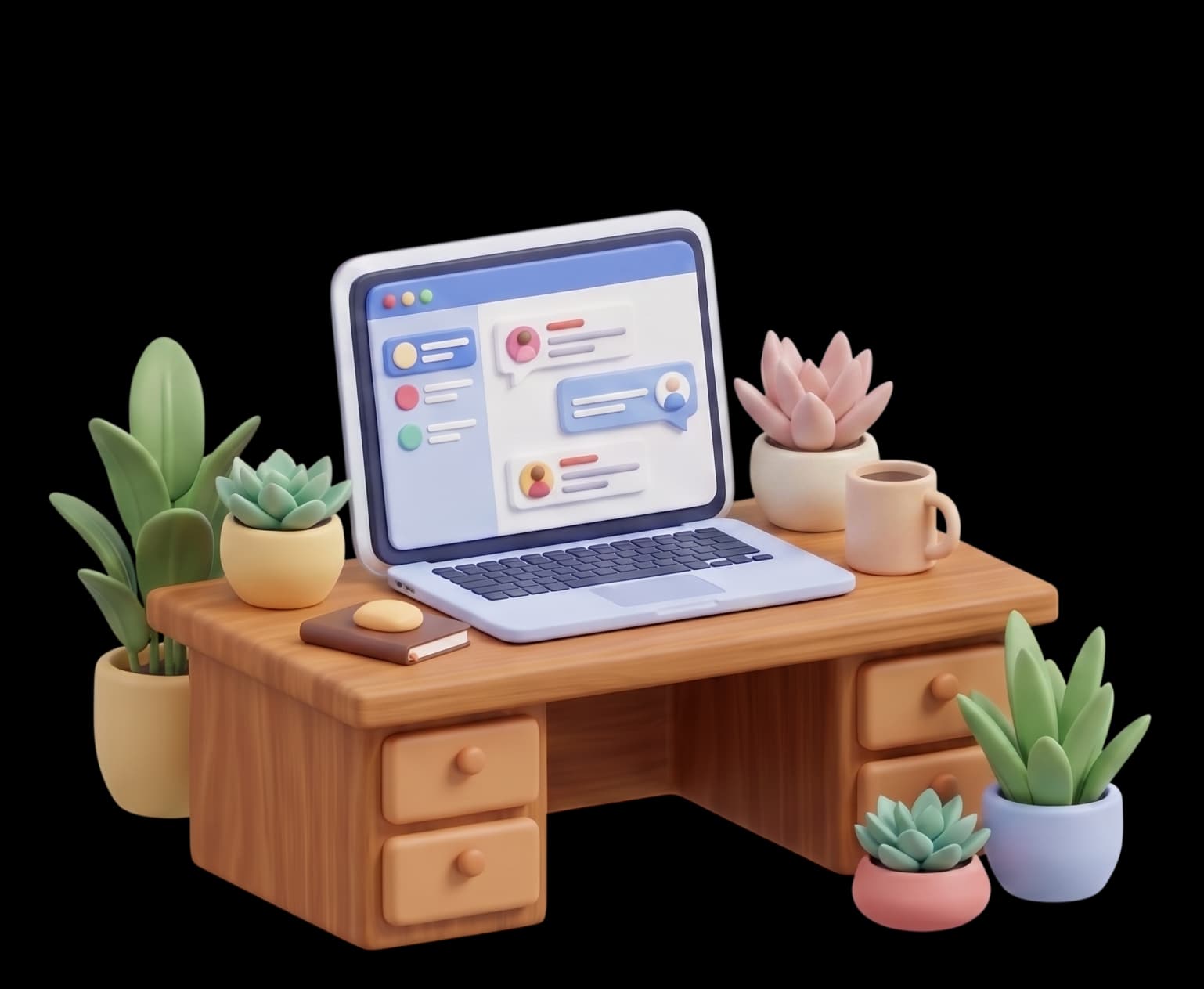
Bring a setup you love into your simulator
Import a setup from the gallery, remix it and check it against your desk dimensions.
Bring your desk into the simulator
Try product placement and compatibility checks. Explore without an account, and log in when you want to save.
Log in to get started