


Desk setup simulator
Plan your desk using real dimensions in millimeters before buying.
Place products on your desk in 3D, check compatibility using manufacturer or retailer dimensions in millimeters and grams, and estimate the cost before buying.
- Cost
- Free
- Installation
- None, runs in your browser
- Log in
- Only to save
- Units
- Real dimensions in mm and g
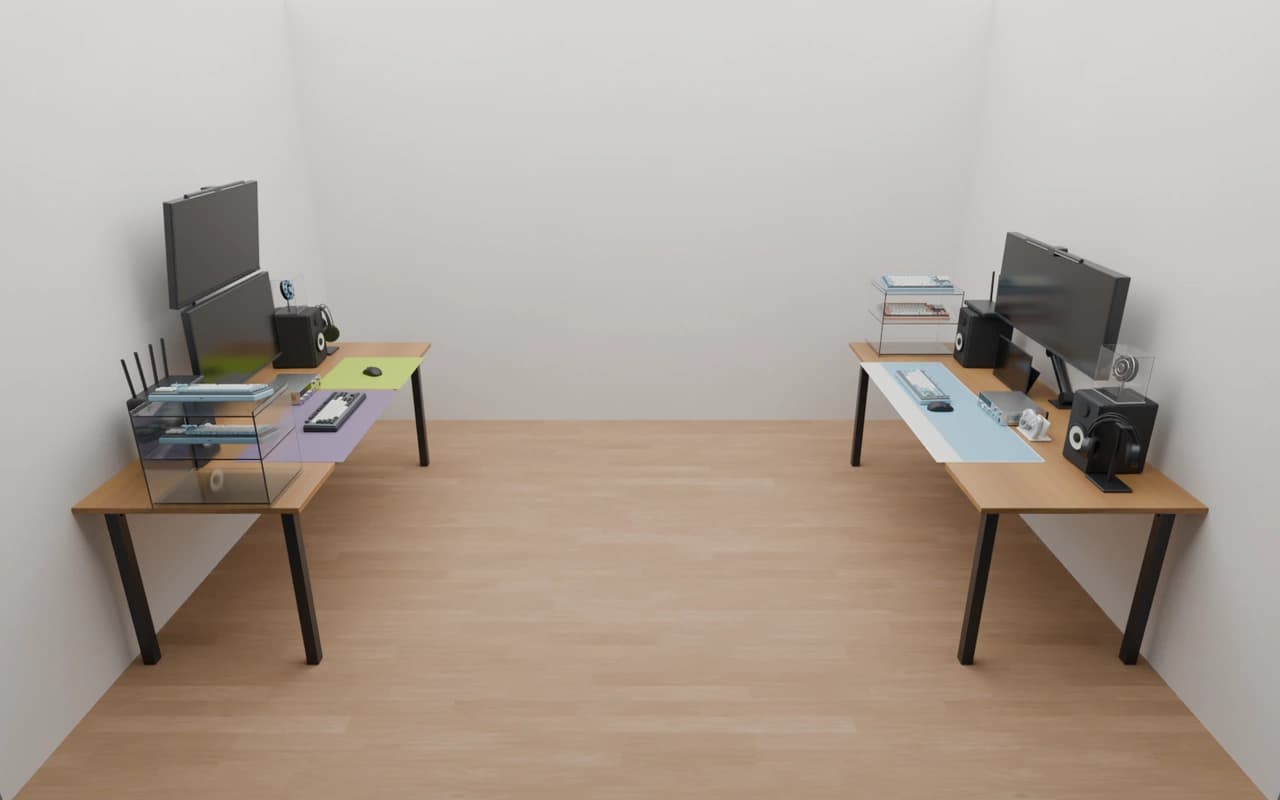
Check compatibility as you place products
We compare the real specifications of two connected products. Change the sample values below to run the same checks used by the simulator.
Arm ↔ desk
Is the required clamp opening, the thicker of the desktop and edge trim, within the arm’s clamp range?
Desktop 18 mm ↔ Camel Mount IMA2PL clamp range 12–50 mm
Edge trimFitThe selected specifications are compatible.
Monitor ↔ arm
Does the VESA pattern match, and is the monitor weight within the arm’s load limit?
Monitor VESA 100×100 ↔ Camel Mount CA-2 VESA 75×75 or 100×100, maximum 9 kg
Monitor weightConditionalCheck requiredSome specifications are missing. Check the manufacturer details.
Accessory ↔ desk
Do the accessory width and depth fit on the desktop?
Desktop 1,400×700 mm
Desk matIncompatibleThe selected specifications are incompatible.
Arm values come from the manufacturer manuals for catalog products Camel Mount IMA2PL and CA-2. Desk, monitor and accessory values are examples. The simulator checks specifications published by manufacturers and retailers.
- Fit
- All specifications match.
- ConditionalCheck required
- Required values such as VESA or weight are missing. Check the manufacturer specifications.
- Incompatible
- Specifications do not match. We show which limit was exceeded. Setups with incompatible products cannot be published to the collection.
Arm ↔ desk: try changing the thickness
The clamp must grip the thicker of the desktop and edge trim. An 18 mm desktop with 40 mm edge trim requires a 40 mm clamp opening.
Required clamp opening
40mm
max(desktop18, edge trim40) = 40
Required clamp opening: 40 mm. Clamp range: 12–50 mm. Within the clamp range.
Clamp opening range12~50mm is from the카멜마운트 IMA2PL specification. Set edge trim to 0 for no trim; only desktop thickness will be used.
From choosing a desk to saving your setup
Choose a desk
The simulator opens with a desk picker. Choose a catalog desk to use its desktop dimensions as the basis for your setup.
Place products
Drag products from the library and they settle onto the surface. Move a monitor close to an arm and it attaches when the VESA pattern matches.
Check compatibility, estimate and save
Every placement checks compatibility and updates the estimated total price. Saved setups can also be shared publicly in the collection.
Made in the simulator
More setupsThese setups were saved and shared publicly by users. Prices are estimates based on the sum of included products.


Frequently asked questions
Is it free?
Yes. Placement, compatibility checks and price estimates are free.
Do I need to install anything or log in?
No installation is needed. Open the simulator in your browser and try products without logging in. Log in only when saving your setup.
Does it work on mobile?
Yes. A larger screen such as a laptop or desktop is recommended for dragging products and adjusting the camera.
Can I enter my own desk dimensions?
No. Choose a catalog desk with registered dimensions, because compatibility checks rely on those specifications.
Where do the specifications come from?
They are published by manufacturers and retailers. Missing values such as weight or VESA result in a conditional rating rather than a confirmed fit.
Where can I find my saved setups?
Reopen your setups in the workspace. Public setups are also available to other people in the collection.
Try it on your desk before buying
Free, with no installation. Log in only when you want to save.